

Host a group ride
The safest route, zero planning
A shareable event page
School Bike Bus
Sunset Cruise
Night Riders
Park & Pedal
Know who's riding
Turn-by-turn navigation for every rider
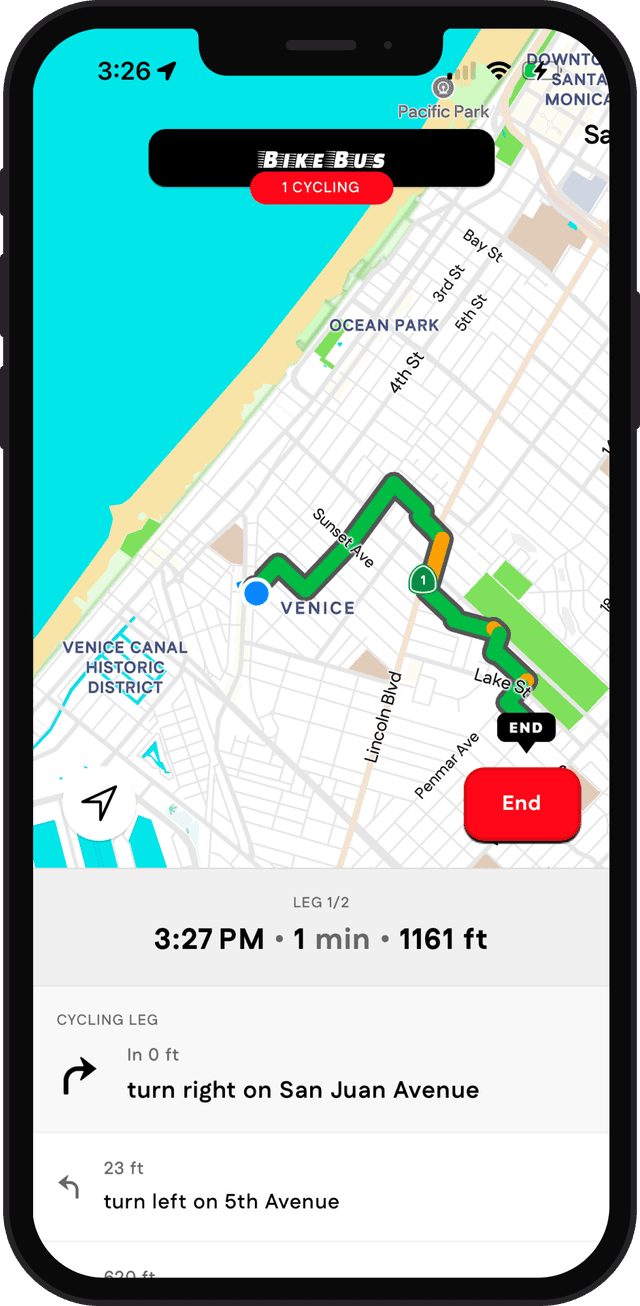
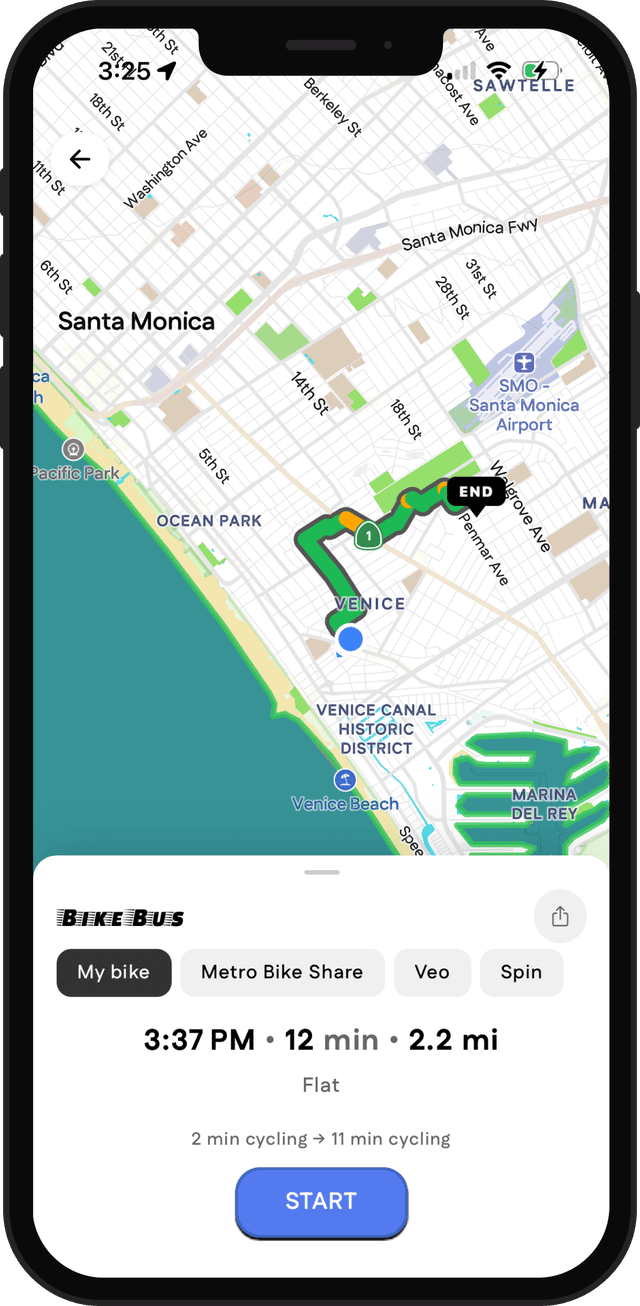
Track the ride live
Ready to start yours?
Frequently asked questions
How do I host a group ride on Cyclemate?
Create a ride, drop your start, stops and finish on the map, pick a date and time, and share the link. Cyclemate plans the route between your stops, gives the ride its own event page and collects RSVPs. Setting one up takes a few minutes.
Is it free to host a group ride?
Yes. Hosting a group ride is free for the host and for every rider, including the event page, RSVPs and turn-by-turn navigation.
How is the route for a group ride chosen?
SuperSafe routing picks it. Between each of your stops it chooses protected cycleways, low traffic neighbourhoods and quiet streets over busy main roads, so you do not have to scout the route yourself. The event page shows the route on a map with an estimated arrival time at every stop.
Do riders need the Cyclemate app to join a group ride?
No. The event page opens in any web browser, and riders can mark themselves as Interested or Going from there. On ride day, riders who want turn-by-turn directions to the meeting point and along the route use the free Cyclemate app on iPhone or Android.
Can I keep a group ride private?
Yes. A ride can be Public, Unlisted or Private. An unlisted ride is only seen by people you send the link to, which suits a club or a group of friends.
Can I ask riders questions when they RSVP?
Yes. Add your own questions to the ride, mark any of them as required, and riders answer when they RSVP. Only you, the host, can see the answers.
Can I customise the event page?
Yes. Every ride gets a themed page with its own short link. Pick the background, font, texture and stickers, add a cover photo, and share it with your club, group chat or social media.
Which cities can I host a ride in?
You can host in London, New York City, San Francisco and Los Angeles. Those are the cities with a SuperSafe routing model, so the route between your stops is planned the same way as every other Cyclemate route.